Credentials

Automate eligibility and access decisions

IDMe validates information about a person and links it to their verified identity, so your organization can determine who qualifies for offers and grant access to protected systems.

Talk to Sales
View docs
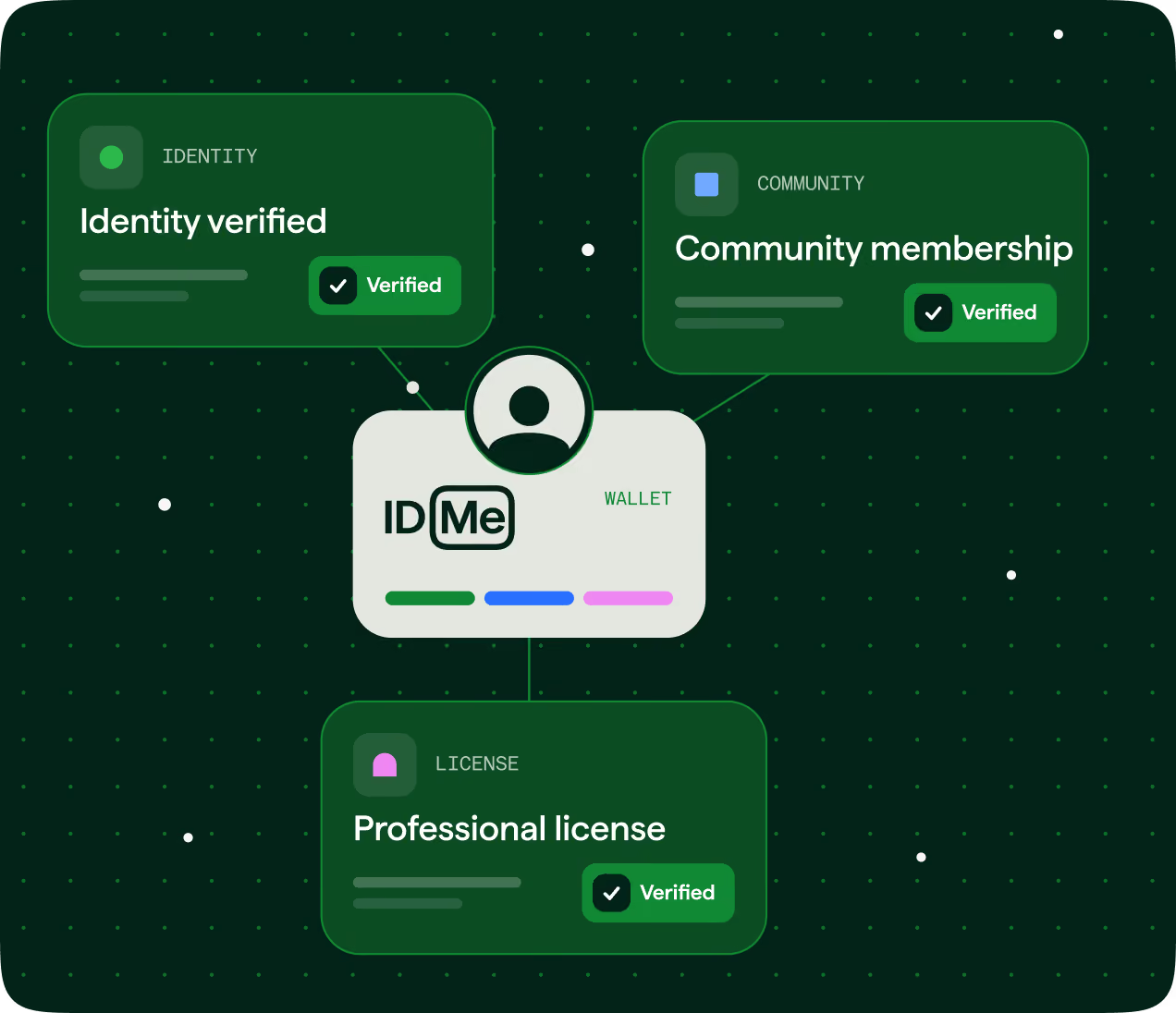
Graphic showing an ID Me digital wallet with three verified credentials: Identity verified, Community membership, and Professional license, each in green boxes with checkmark icons.
100M+
Americans
with IDMe digital identity wallets
25M+
verified audience
members tied to community segments
< 10
seconds
average verification time for returning members 

How organizations use verified credentials

Confirm who qualifies for offers, assistance programs, employment decisions, and access to regulated systems.
Community status

Unlock offers for verified audiences

Verify military, teacher, nurse, student, alumni, first responder, and other audiences to connect eligible customers with exclusive offers.

IDMe confirms community status using supporting documents or authoritative records.
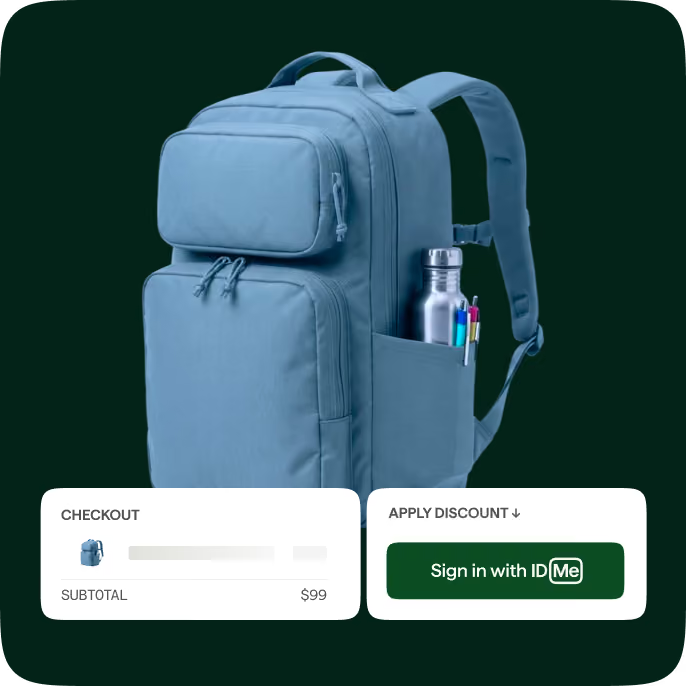
Blue backpack with multiple zippered compartments, including a side pocket holding a silver water bottle and three pens. Below the backpack, two white boxes display checkout information with a subtotal of $99 and a green button prompting to sign in with ID.me to apply a discount.
Public benefits and income

Help users access affordable pricing and services

Use verified benefit participation or income to determine who qualifies for your organization’s offerings.

IDMe confirms public benefit participation or qualifying income using supporting documents.
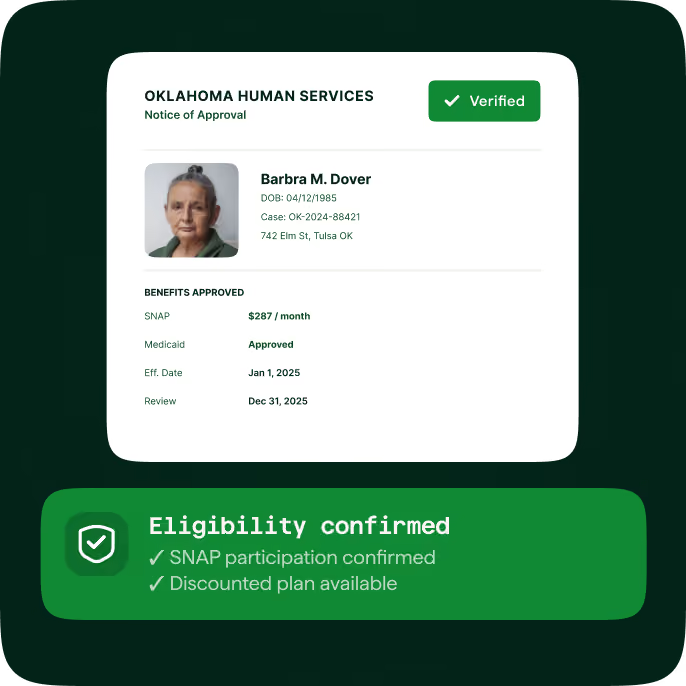
Oklahoma Human Services Notice of Approval for Barbra M. Dover with photo, DOB 04/12/1985, case number OK-2024-88421, address 742 Elm St, Tulsa OK. Benefits approved: SNAP $287/month, Medicaid approved, effective Jan 1, 2025, review Dec 31, 2025. Green verified badge at top right. Below, a green banner states Eligibility confirmed with checkmarks for SNAP participation and discounted plan availability.
Work affiliations

Support workforce decisions with verified information

Confirm employment and work affiliations using supporting evidence. IDMe uses documents and official email addresses to validate a member’s relationship to an employer or organization.
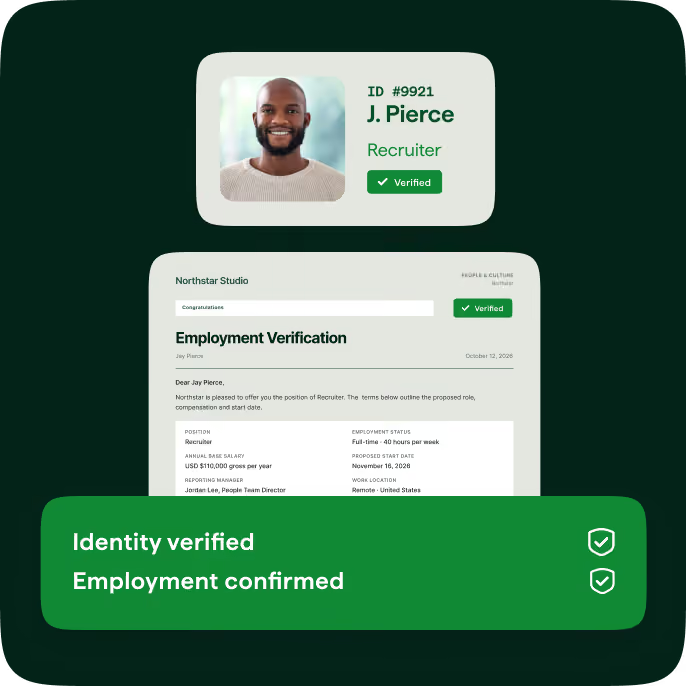
Digital employment verification card for J. Pierce, a recruiter, showing a smiling man, ID #9921, with 'Verified' status and a document from Northstar Studio confirming employment details, including position, salary, and work location, along with green banners stating 'Identity verified' and 'Employment confirmed.'
Professional licenses

Check licenses before granting access

Connect verified identity with professional credentials to help determine who gets access.

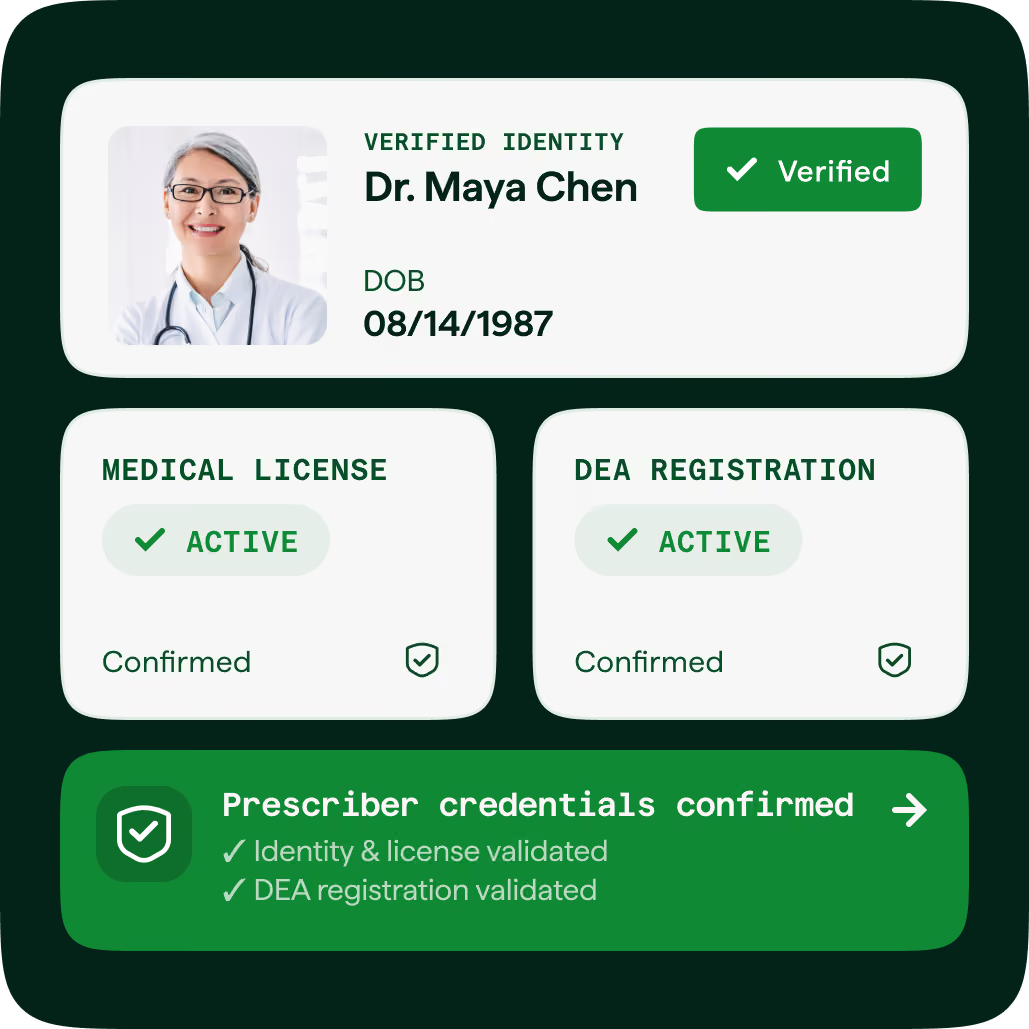
IDMe confirms license and registration status using issuing-registry records, including prescriber credentials for electronic prescribing of controlled substances (EPCS).
Digital credential card showing verified identity of Dr. Maya Chen with photo, date of birth 08/14/1987, active medical license and DEA registration, both confirmed, and prescriber credentials validated including identity, license, and DEA registration.

How it works

1
Verify identity

Start with an identity already verified by IDMe, or help a new member verify.

2
Verify role or status

Verify community membership, employment, or professional licenses against trusted sources.

3
Share with consent

Verified credentials are added to the member’s IDMe Wallet and shared only with their consent.

4
Assess eligibility

Use the verified information to automatically assess eligibility, provide benefits, or grant access.

Integrations

Use verified status in your existing systems

Use verified roles, licenses, and affiliations to automate decisions about access, benefits, and eligibility.

Apply your organizationʼs rules across connected applications and workflows.

Learn more
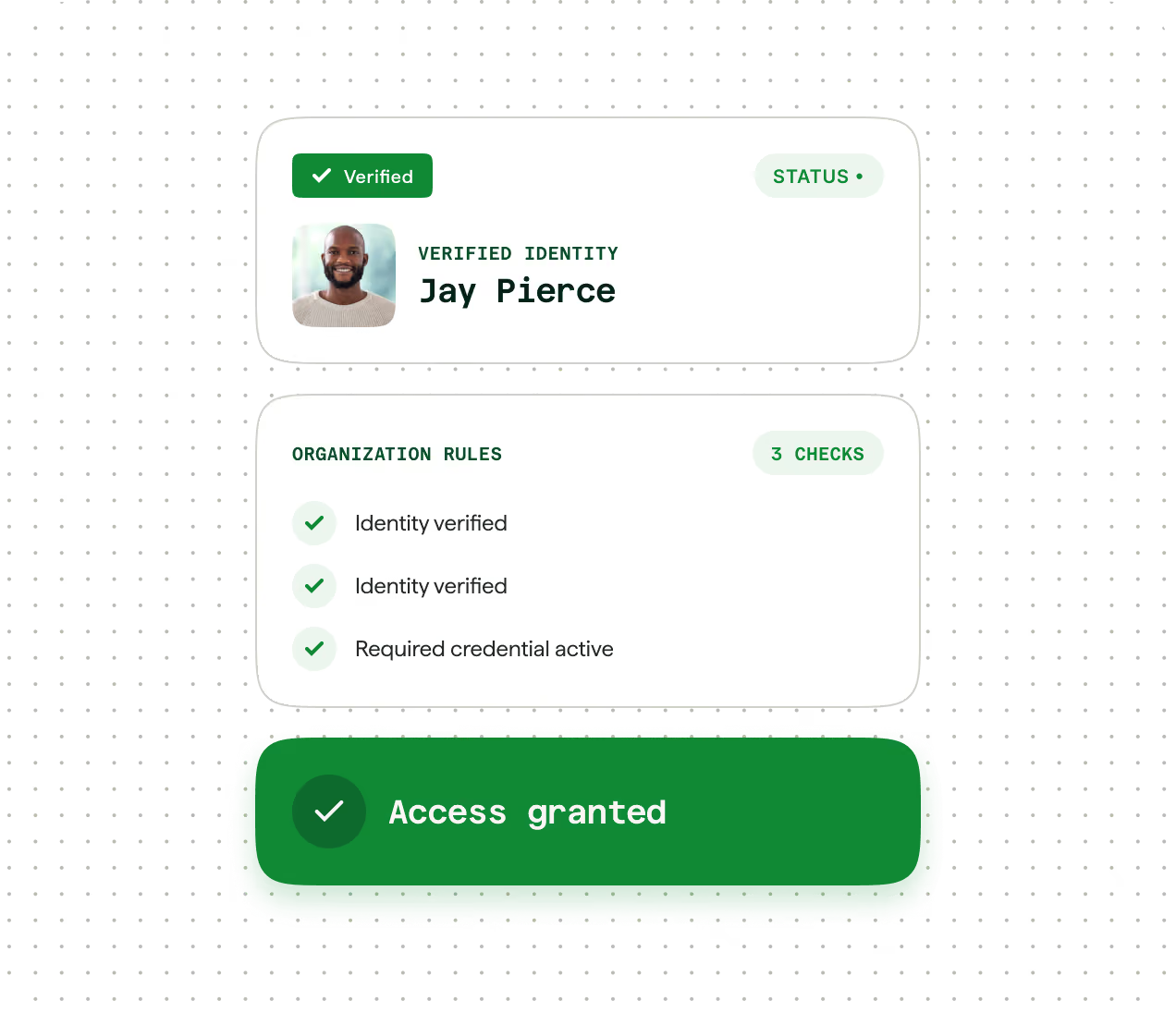
User interface showing verified identity of Jay Pierce with his photo, verification status, organization rules with three checks including identity verified twice and required credential active, and a green button stating Access granted.

What our customers say

“You have a huge military database. And when people use IDMe to sign in, they share their info, which flows straight into our CRM.ˮ

Pankaj Khanna
VP, Digital Transformation

“They’ve taken something that we previously found incredibly hard to do—validating someone’s status—and enabled us to pass along a discount.”

Dave Demsky
VP, E-Commerce Operations

“Being able to verify identity within the iPrescribe app, without a lengthy and complicated process, means that clinicians can prescribe faster and easier than before.”

G. Cameron Deemer
President

Related resources

Frequently asked questions

Does a verified credential expire?

It depends on the credential. Some credentials are revalidated periodically to confirm continued eligibility. For example, student status may be revalidated every two years or at graduation, while verified military service is not subject to periodic revalidation.

Can someone reuse a credential across organizations?

Yes. Once a credential is verified and added to a member's IDMe Wallet, the member can share it with participating organizations, with their consent, without repeatedly proving eligibility or uploading the same documents. Each organization determines which credentials it accepts.

Can a verified account be shared with someone else?

No. Each verified credential is tied to one unique IDMe account and is not designed to be shared. This helps reduce the chance that one identity or eligibility status is used by multiple people to claim an offer or gain access.

Is a school or work email enough to prove someone belongs to a community group?

Not on its own. An email address may help verify certain affiliations when it reliably reflects current status. For example, a .mil or .gov address may be accepted as supporting evidence in some cases.


Make confident eligibility and access decisions

See how IDMe can validate roles, licenses, and community status, then connect that verified information to your existing workflows.