“The VA partnered with IDMe to ensure the security of the benefits and services available to veterans on VA.gov. The customization, robust reporting, and supporting materials provided by IDMe are unparalleled.ˮ
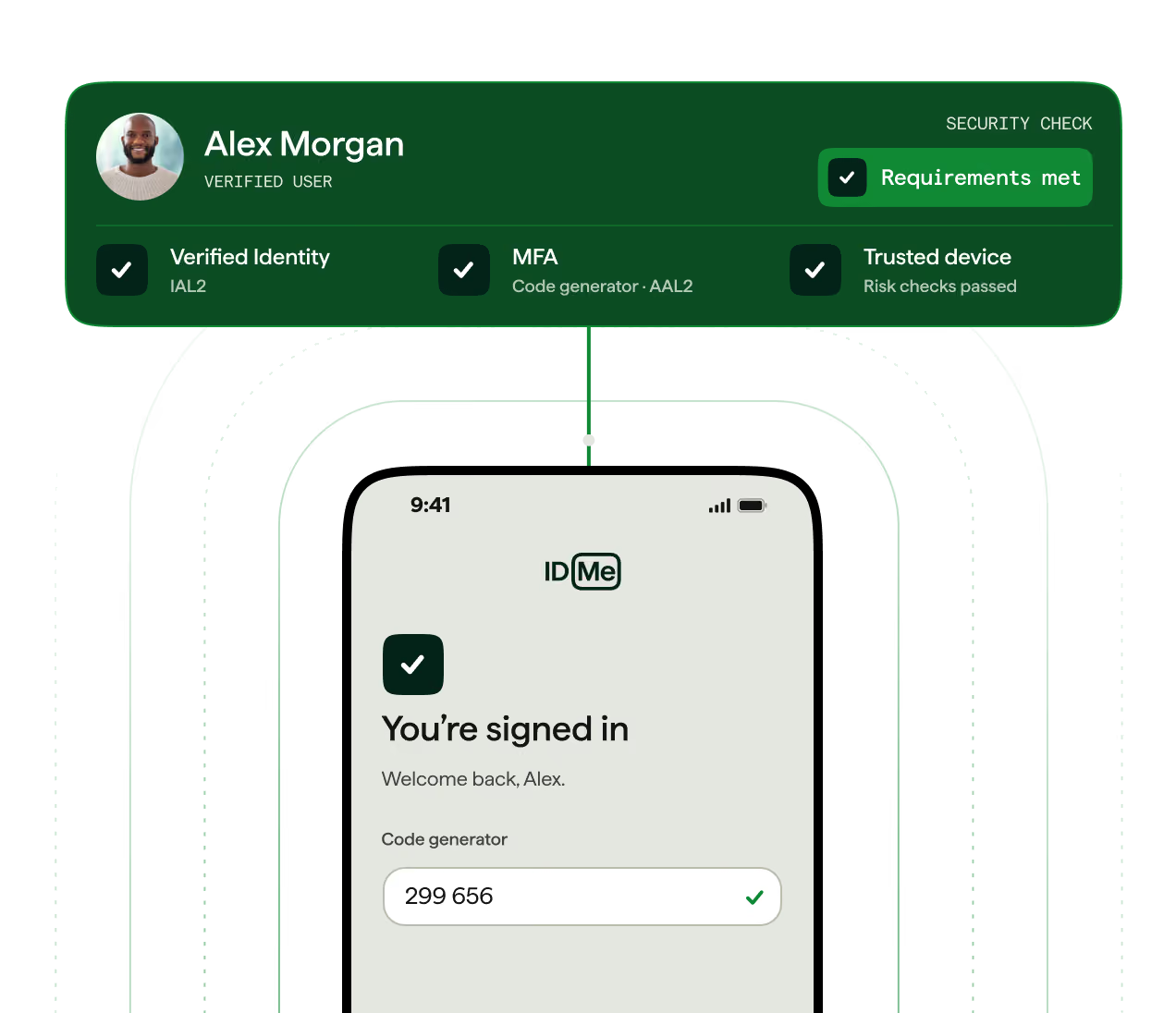
Set the authentication strength each interaction requires. IDMe supports NIST SP 800-63-3 AAL1 and AAL2 with phishing-resistant options, and prompts for step-up when your policy calls for it.
Common step-up moments include account recovery, privileged access, sensitive transactions, authenticator changes, and suspicious sign-ins.
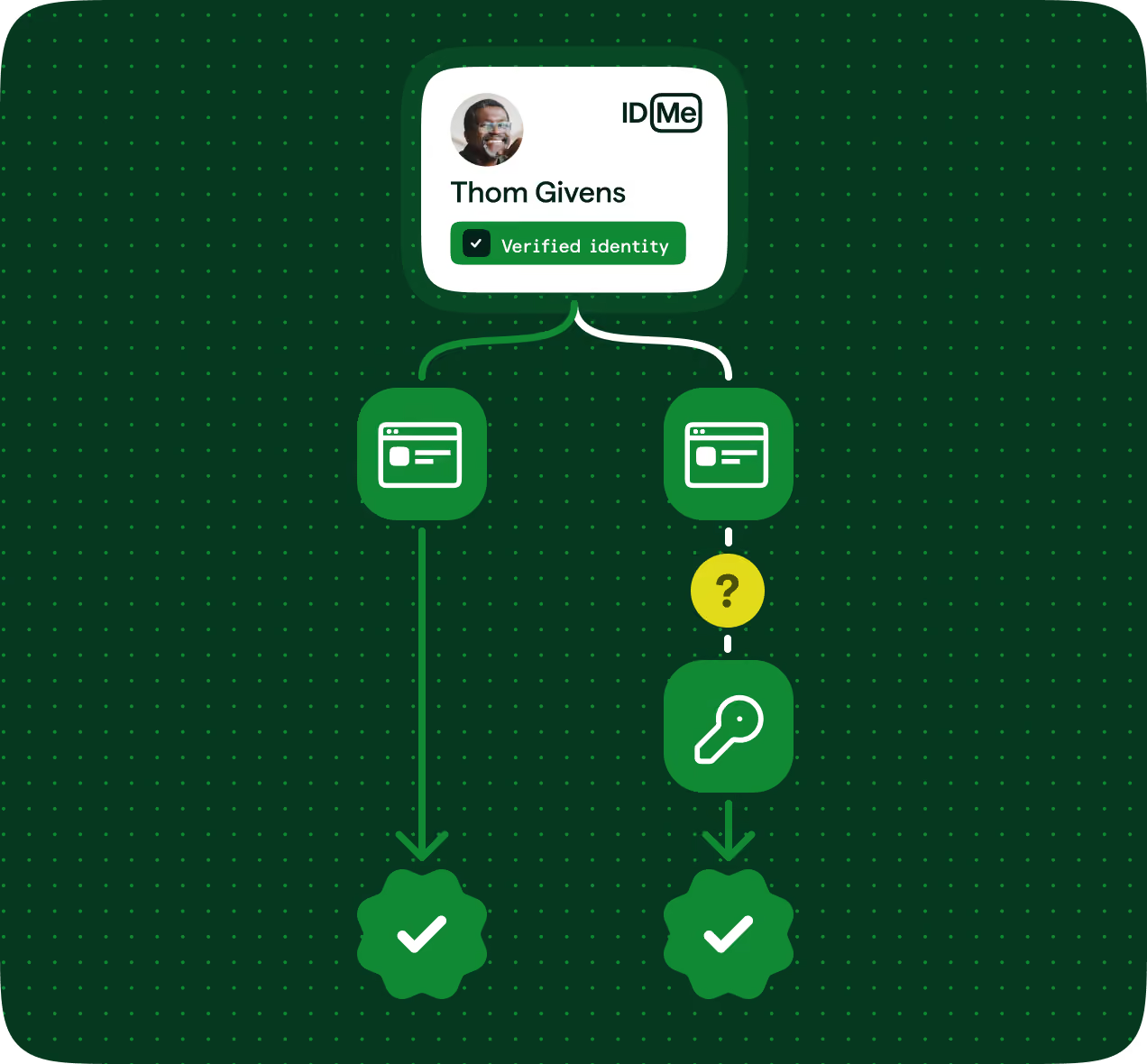
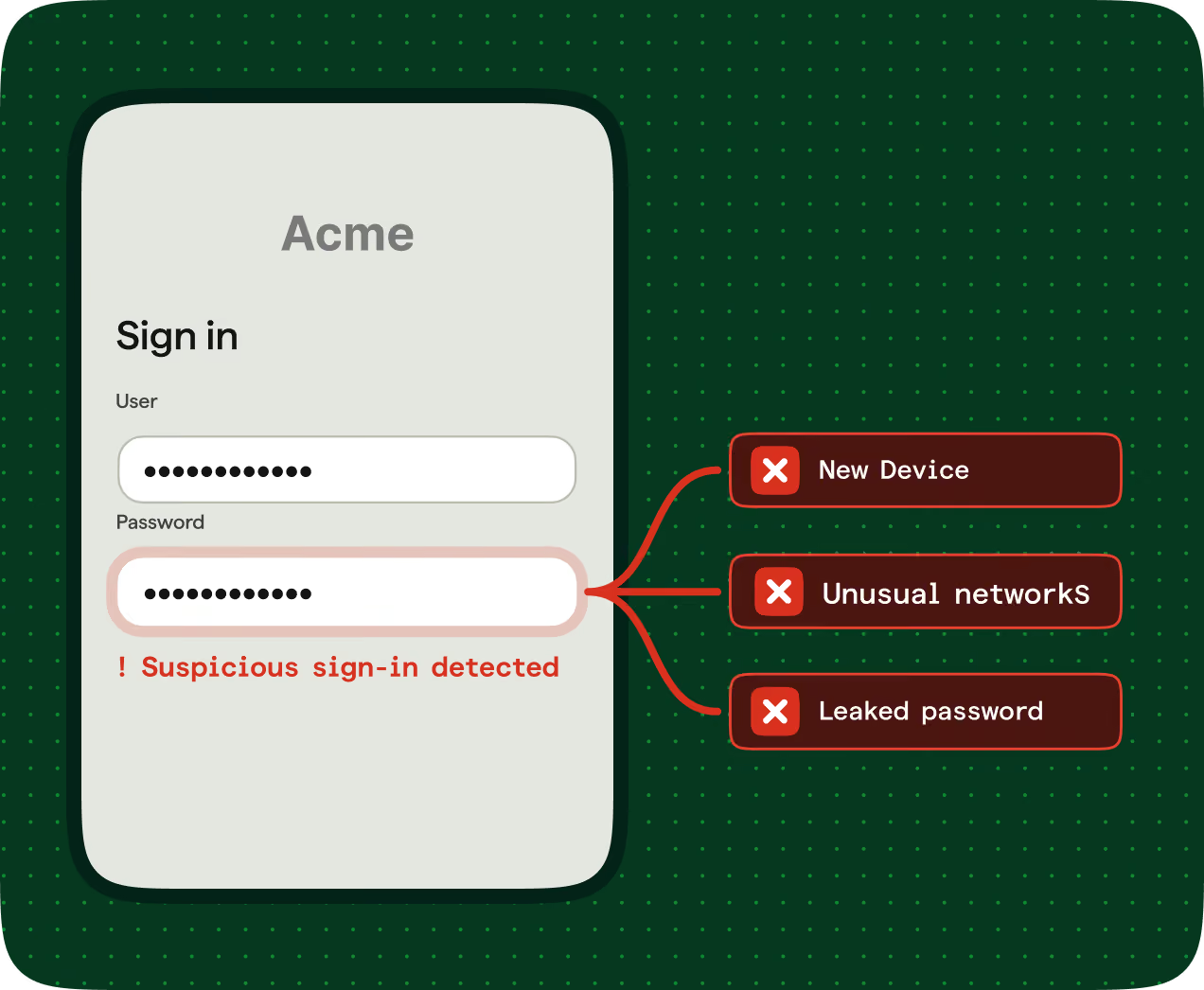
IDMe evaluates device, network, credential, and behavioral signals at sign-in to detect likely takeover attempts and return a decision to your system.
When risk or account status changes, IDMe sends near-real-time notifications to your security systems. Reports and APIs help your team investigate and suspend at-risk accounts.
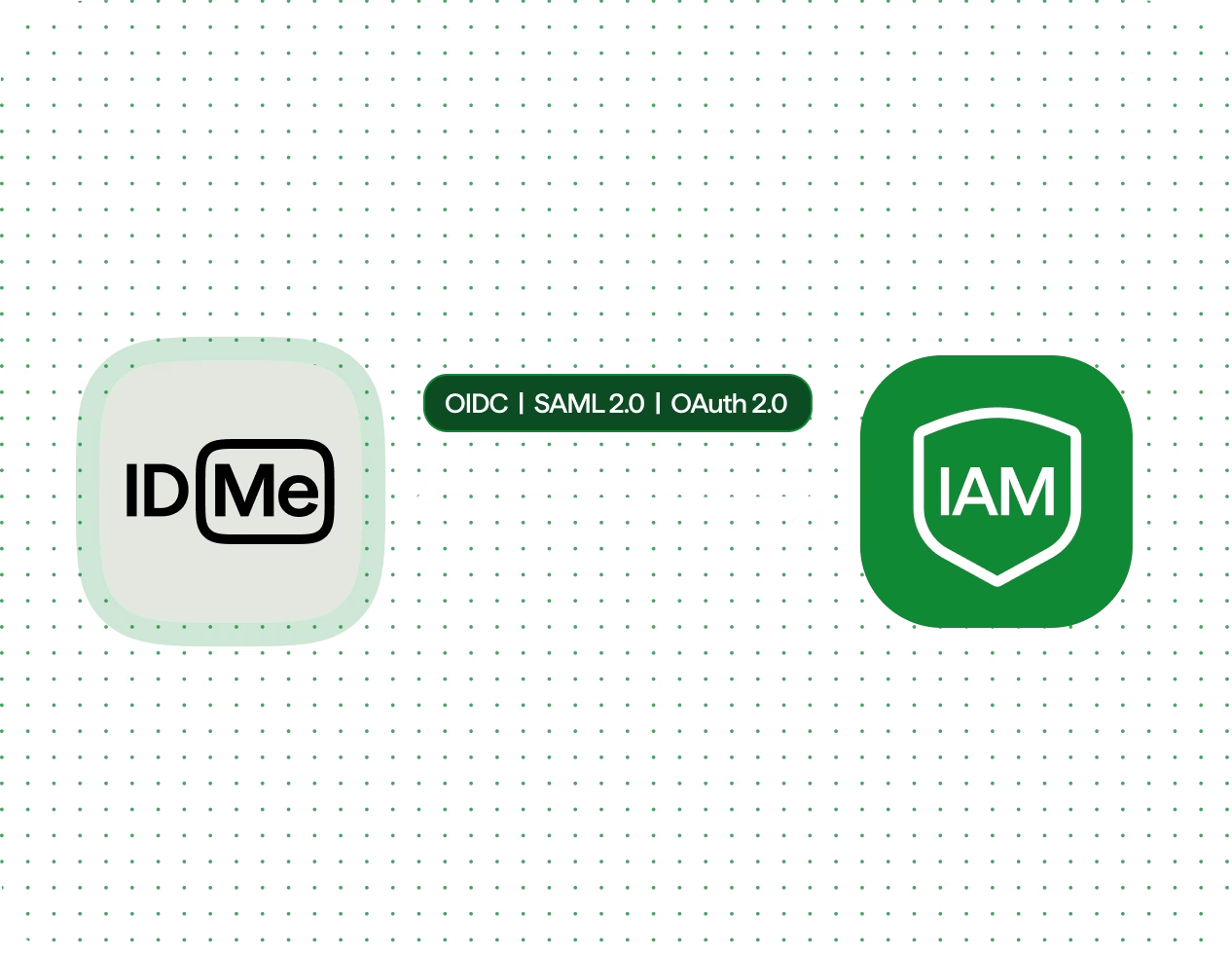
Connect IDMe to the systems that manage identity and access using OpenID Connect, SAML 2.0, or OAuth 2.0.
Integrations available for Amazon Cognito, Keycloak, Okta, and PingOne, with support for Microsoft Entra External ID configurations.
“The VA partnered with IDMe to ensure the security of the benefits and services available to veterans on VA.gov. The customization, robust reporting, and supporting materials provided by IDMe are unparalleled.ˮ
“IDMe showed us step by step exactly what the user experience would be, which is critical.ˮ

“By embedding IDMe into the request process, we are helping healthcare organizations confirm that records reach the right person while reducing unnecessary friction for patients.”

IDMe supports passkeys, hardware security keys, authenticator-app codes and push notifications, SMS and phone codes, and backup codes. Authentication supports NIST SP 800-63-3 requirements at AAL1 and AAL2, including phishing-resistant options such as passkeys and security keys.
No. Routine sign-in uses the user's chosen MFA method. Additional identity verification is requested when your policy or a higher-risk transaction calls for it.
Yes. IDMe adds authentication steps when risk or your policy calls for higher assurance, rather than at every login.
IDMe helps reduce account takeover by combining MFA with device, network, credential, and behavioral risk signals, along with account recovery and lifecycle controls.